
Now Assist Platform skill: Navigation - FAQ
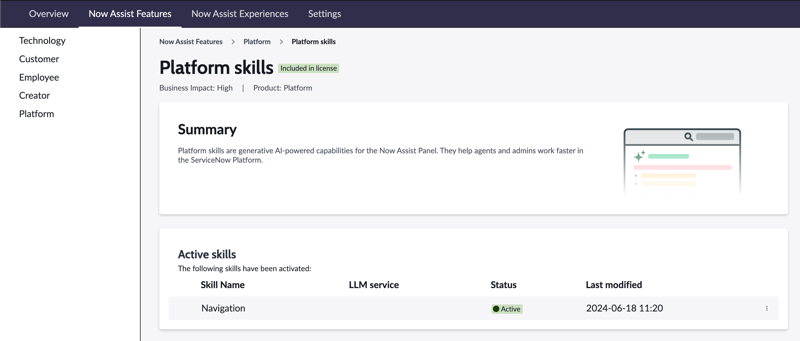

The Navigation skill is the first among the Platform skills to be made available in the August/Xanadu release. This feature provides an intuitive guide that enables users to swiftly locate specific lists and tables (and table records) across various applications within the Now Assist Panel, leveraging the cutting-edge NLQ table guesser and NLQ table API.
The Navigation skill is available as a Now Assist plugin in the Platform Feature.

Describe what you are looking for directly in the Now Assist Panel, and the Navigation skill will direct you to the appropriate location. See next question for more details.
When you ask for tables ore table records in plain language, the Navigation skill shows you links in the chat to take you to the best match to your request. For example, you could enter [Show me incident records]. In the following figure, the user entered [navigate me to incidents] in the Now Assist panel. Now Assist responds with a link to the Incidents table.

When you click the link, the list of all records in the Incidents table displays:

You can refine your results by using more detailed requests. Please see the Product Documentation.
Navigation can return more than one result, but the list is paginated.
You will receive an error message asking you to rephrase.
Today, Navigation skill only supports lists and tables (table records). The list still needs parameters (filter).
The Navigation skill consumes 1 assist per trigger.
References

https://www.servicenow.com/community/intelligence-ml-blog/now-assist-platform-skill-navigation-faq/ba-p/3009664