
Discovering a Previously Executed Background Scripts
We've all been there. You access a background script, diligently making alterations as you debug. Then, out of the blue, you mistakenly refresh the page and watch your entire work vanish into thin air.
Losing an hour or even more of your precious time can be frustrating. Thankfully, there exists a method to track down that elusive script you were diligently crafting!
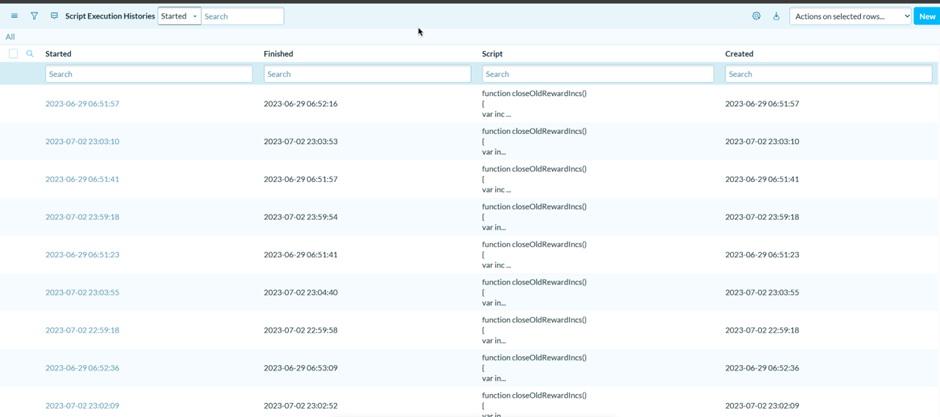
Step 1 - Accessing the Table
To begin the process, follow these steps:
- Open your Application Navigator.
- Enter "sys_script_execution_history.list" in the search bar.
- Press Enter or click on the search icon to proceed.

Step 2 - Filter and Locate Your Script
- Assess the size of your instance and determine if filtering is necessary.
- Filter the list by the 'Executed by' column and select your own name.
Step 3 - You're Done!
Once you have identified the script in the filtered list, you have successfully found your desired script. Here's what you can do next:
Load the script back into a background script for further modifications or debugging.
Utilize the script for any other purposes or tasks you had in mind.
Congratulations on successfully retrieving your script and completing the process!
https://www.servicenow.com/community/developer-articles/discovering-a-previously-executed-background-scripts/ta-p/2604217