
Enable Theme Builder
Import
·
Feb 03, 2023
·
article
 Sandeep Dutta
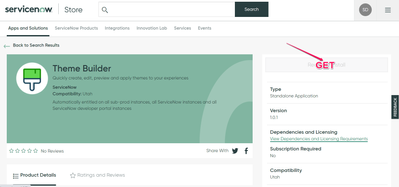
- Get the Theme Builder from ServiceNow Store :
- Once You have requested, it should be available for you in Plugins and you can install:
- After the successful installation of the Plugin, you can see “Theme Builder” Application Availability under “ALL” :


View original source
https://www.servicenow.com/community/next-experience-articles/enable-theme-builder/ta-p/2467719